Presenting With Confidence Using the Emaros Google Slide Template
Building a presentation from scratch can feel overwhelming. You want something that looks professional, communicates clearly, and holds attention, but assembling layouts, choosing consistent colors, and designing infographics takes hours most people simply do not have. The Emaros Google Slide Template exists to ease that exact tension. It gives you a complete, thoughtfully structured foundation so you can spend less time on formatting puzzles and more time on the message you actually want to share. Whether you work inside a startup, a classroom, a corporate environment, or a freelance practice, having a reliable starting point changes how approachable the whole creation process becomes.
Understanding the Real Challenge Behind Presentation Design
Most presentation struggles are not about a lack of ideas. They stem from a gap between what someone envisions and what they know how to execute visually. A slide deck can quickly become inconsistent, with fonts shifting, spacing feeling cramped, and graphics looking disconnected from one slide to the next. Color mismatches and alignment errors might seem minor, but they shape how an audience perceives professionalism and credibility.
Another hidden difficulty is time. People often underestimate how long visual refinement takes. Adjusting a chart, resizing an image, or creating a cohesive color palette across thirty slides can eat into preparation time that would be better spent rehearsing delivery or researching supporting data. The Emaros Google Slide Template addresses these issues by reducing the number of manual design decisions you need to make, offering a consistent visual language from the very first slide to the last.
How a Well-Structured Template Transforms Your Workflow
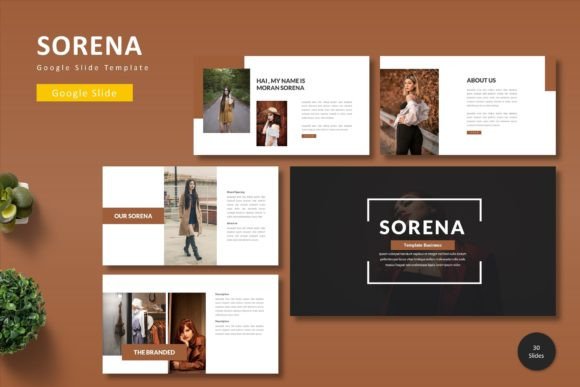
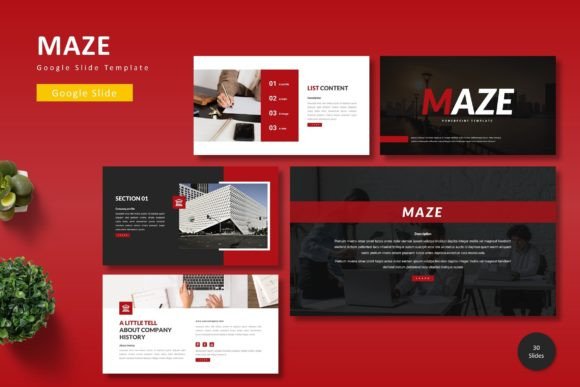
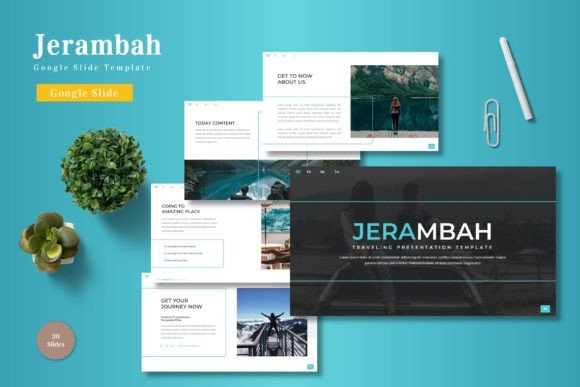
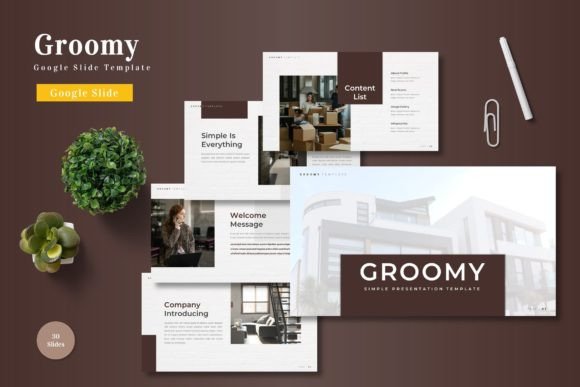
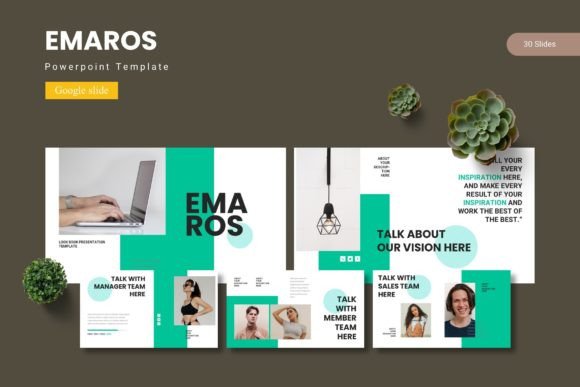
When you open a slide deck and immediately see organized sections, clear placeholder areas, and harmonious color treatments, something shifts in your creative process. You stop worrying about whether a heading sits correctly and start thinking about the story you want to tell. The Emaros template provides this kind of environment across a generous collection of 150 total slides spread over 5 premade color variations. Each variation contains 30 slides, giving you enough range to find exactly the right layout without feeling limited.
This is not about giving you more slides than you need. It is about giving you choices. You might pick a clean, minimal look for an internal team update, then switch to a bolder variant for a client pitch, all while staying within the same familiar structure. The consistency across variations means you can even merge elements from different color schemes if you want something truly custom, and the underlying design logic holds together.
Matching the Right Visual Tone to Different Presentation Goals
Different audiences respond to different visual cues. A nonprofit grant proposal benefits from warmth and human-centric imagery, while a quarterly financial review calls for crisp data displays and restrained, professional tones. With 5 distinct color schemes already built into the Emaros Google Slide Template, you are not locked into a single mood. You can evaluate which palette best supports your content and make a deliberate choice that aligns with the emotional response you hope to create.
Color psychology plays a subtle but real role in presentation outcomes. Cooler tones can suggest stability and trust, warmer hues can feel energetic and approachable, and neutral-dominant schemes often convey sophistication. By simply selecting the appropriate template variant, you bypass the guesswork and can present with the confidence that your visual tone is already working in your favor.
Infographics That Communicate Without Overwhelm
Data becomes meaningful when people can grasp relationships and patterns at a glance. A wall of numbers rarely achieves that. The handcrafted infographic elements inside this template let you translate figures, timelines, comparisons, and processes into visual stories. Because these infographics are pixel-perfect and based on master slides, they maintain their sharpness and structural integrity whether you present on a laptop screen or a large conference display.
What makes these infographic slides especially practical is full editability. Every graphic can be resized, recolored, and restructured. You are not stuck with a rigid diagram that only works for one narrow scenario. You can adapt a process flow into a hierarchy chart, or turn a comparison layout into a timeline, all while staying within the template's cohesive design language. This flexibility turns a single template into a long-term resource rather than a one-time fix.
Simplifying Image Integration With Drag-and-Drop Placeholders
Placing images into slides often causes unexpected layout breaks. A photo might push text out of alignment, or resizing could introduce awkward cropping. The Emaros template handles this with dedicated picture placeholders and drag-and-drop functionality. You simply drop your image into the designated area, and it snaps into the pre-designed frame, preserving proportions and alignment with surrounding elements.
This approach is particularly useful for portfolio presentations, product showcases, and team introductions where visuals carry as much weight as the accompanying words. The template's gallery and portfolio slides take this a step further, offering layouts specifically designed to present collections of images in a clean, organized way. Photographers, designers, real estate agents, and e-commerce managers can all benefit from the structured presentation of visual work without spending unnecessary time on manual adjustments.
Section Breaks That Give Your Narrative Room to Breathe
Long presentations can exhaust an audience if there are no clear transitions between major topics. Section break slides serve as visual punctuation, signaling that one idea has concluded and another is about to begin. The Emaros Google Slide Template includes dedicated section break slides that create these moments of pause. They give your audience a chance to mentally reset and prepare for new information.
Using section breaks intentionally can improve retention. Instead of rushing through a continuous stream of slides, you provide natural stopping points where key takeaways can settle. This structural consideration reflects an understanding of presentation pacing that goes beyond surface-level design and into communication effectiveness.
Leveraging Master Slides for Consistent Branding
Consistency builds trust. When every slide in a deck shares the same font hierarchy, logo placement, and spacing rules, the audience perceives a higher level of polish. Master slides are the engine behind this uniformity, and the Emaros template is built on them. This means you can make global changes, such as updating a logo or adjusting a heading style, and those changes cascade across every slide automatically.
For organizations where multiple team members create presentations, this master slide structure also reduces drift. Different contributors can build their sections independently while the template enforces visual standards. The result is a cohesive final deck that looks like one person crafted it, even when a team of five contributed.
Practical Approaches for Different Types of Users
A marketing professional might use the Emaros Google Slide Template to prepare a campaign pitch, leaning on the infographic slides to map out customer journeys and the portfolio layouts to showcase past work. An educator could adapt the same template for a lecture series, using section breaks to separate modules and color variations to differentiate between topics. A small business owner preparing an investor update might appreciate how the gallery slides present product photography alongside clean, readable financial summary graphics.
The template does not force a single use case. Its range of layouts and resizable graphic elements means it flexes to accommodate different storytelling needs. What remains constant is the structural reliability and visual harmony that reduce the cognitive load on the creator. You can trust that whatever combination of slides you assemble will hold together as a unified piece.
Starting Your Project With Clear Documentation
Even the most intuitive template benefits from guidance. The included Readme file, font information, and photo documentation help you get oriented quickly. Knowing which fonts are recommended, where to source similar imagery, and how the template files are organized removes small frictions that can delay progress. The folder structure also separates the five color schemes clearly, so you can open the variant you need without sifting through unrelated files.
Because the content is delivered in Google Slides format, collaboration becomes straightforward. You can share the file with colleagues, work on it simultaneously, and access it from any device with an internet connection. The 5 PPTX items included alongside the Google Slides files also give you flexibility if your workflow occasionally requires offline editing in other presentation software.
Building Presentations That Feel Intentional
Intentionality separates a forgettable slide deck from one that resonates. Intentional color choices, intentional layout selection, intentional use of white space. The Emaros Google Slide Template provides the framework for that intentionality without demanding advanced design skills. By removing the friction of starting from zero, it allows your focus to land where it belongs: on shaping a clear, compelling message that connects with the people sitting in front of you or watching from their screens.
Practical needs like resizable graphics, editable infographics, and drag-and-drop image handling translate into real-world benefits. You finish a deck faster. You feel more confident presenting it. Your audience understands your points more readily. These are not abstract promises; they follow naturally from working inside a system designed with communication outcomes in mind rather than purely decorative ambitions.
Taking the Next Step Toward Better Presentations
Choosing a template is an investment in how you show up professionally. The Emaros Google Slide Template covers a broad range of needs with its 150 slides, multiple color variations, and adaptable graphic elements, but what matters most is how it supports your specific goals. Consider the type of presentations you give most often. Think about where you currently lose time or feel uncertain about visual choices. Then map those pain points against what this template offers.
If you consistently need clean infographics, gallery layouts, or section transitions that keep audiences oriented, this resource aligns well. If you value having multiple aesthetic directions in one package, the five premade color schemes give you room to explore without extra purchases. And if collaboration and accessibility matter, the Google Slides foundation keeps everything simple and shareable.
The right template does not create your content for you, but it does remove enough obstacles that creating feels manageable, even enjoyable. That shift in experience often leads to better presentations, more confident delivery, and audiences who leave the room remembering what you actually wanted them to remember.